Every week someone in the reddit community asks the same question: should I switch from zapier?
Usually it starts with a bill. Their Zapier costs crept up as they added workflows, and now they’re paying $150-200/month for automations that feel like they should cost a fraction of that. Sometimes it starts with a wall – they hit something Zapier can’t do and started looking for alternatives.
The honest answer is that it depends entirely on who you are and what you’re building. Zapier isn’t bad. n8n isn’t automatically better. They’re built for different people, and picking the wrong one costs you either money or weeks of frustration.
The Short Answer: Which Tool Is Right for You?
If you want the verdict before the explanation.
| You should use | If… |
|---|---|
| Zapier | You’re non-technical, need a specific niche app integration, or want something running in 20 minutes. |
| n8n cloud | You’re technical (or willing to learn), run complex multi-step workflows, and want to stop paying per action |
| n8n self-hosted | You want zero executions limits, you handle sensitive data, or your zapier bill has gotten uncomfortable |
If none of those click immediately, keep reading – the billing model section below will make the decision obvious.
What Makes These Tools Fundamentally Different
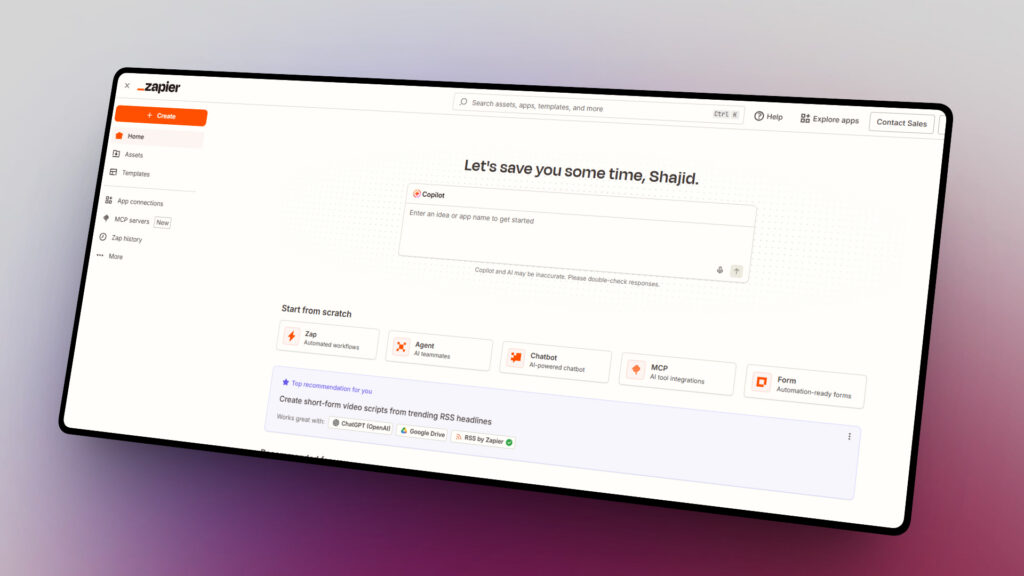
Zapier is a managed SaaS product. You sign up, connect your apps, and Zapier runs everything on their servers. You never touch infrastructure.
n8n gives you a choice. You can use n8n Cloud (managed, like zapier) or self-host the entire thing on your own server.
That one difference changes the economics, the privacy story, and the ceiling on what you can build.
The philosophy behind each tool reflects that split.
Zapier is built around accessibility – anyone should be able to automate in minutes. n8n is built around control – developers should be able to build anything without hitting artificial limits.
Neither philosophy is wrong. The problem happens when people pick a tool that doesn’t match what they actually need.
The Billing Model: Tasks vs Executions (This Changes Everything)
This is the part most comparison articles bury 1500+ words in. I’m putting it second because it’s the single most important thing to understand.
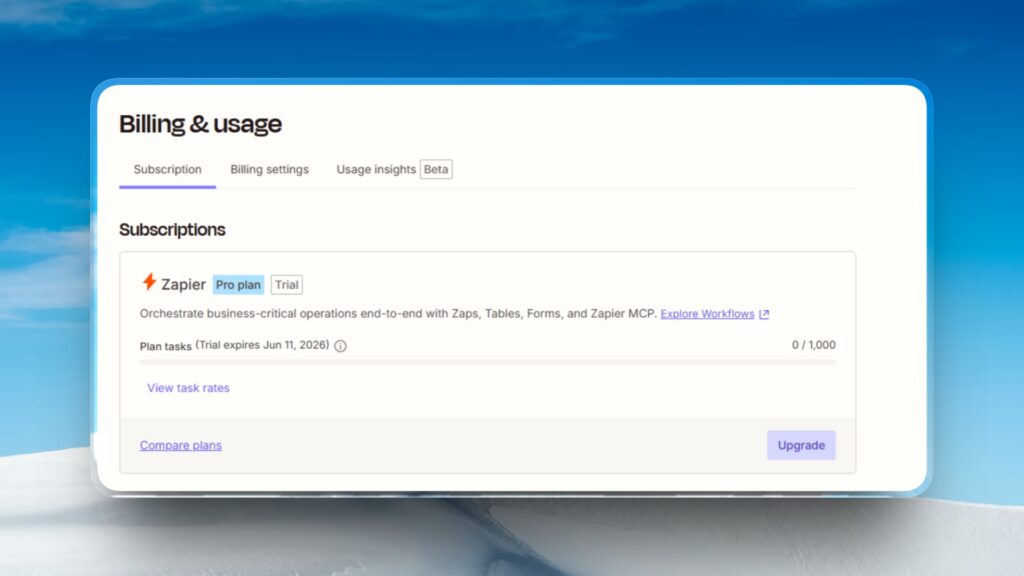
Zapier charges per task. A task is each individual action step that runs in a workflow. A workflow with a trigger and four actions uses four tasks every time it runs. The trigger itself is free. Filters are free. But every action setup counts.
n8n charges per execution. An execution is one complete workflow run – regardless of how many nodes are inside. A 20-node workflow running 500 times costs 500 executions.
That same workflow on Zapier would cost 10,000 tasks.
A Real Cost Example
| Scenario | Monthly Runs | Zapier tasks used | n8n executions used |
|---|---|---|---|
| Light use | 500 | 2,000 | 500 |
| Medium use | 2000 | 8,000 | 2,000 |
| Heavy use | 10,000 | 40,000 | 10,000 |
At heavy use, Zapier’s professional plan (2,000 tasks/month) runs out at 500 workflow runs. You’d need a significantly more expensive tier. n8n’s Pro Cloud plan (10,000 executions) handles all 10,000 runs with room to spare.
One more thing worth knowing: n8n only counts successful executions. Failed runs and test executions don’t count against your limit.
Pricing Tiers Side by Side
Current pricing as of May 2026 – verify on each vendor’s pricing page before committing, as these do change.
| Plan | Zapier | n8n |
|---|---|---|
| Free | 100 tasks/month, 5 zaps | None (Cloud), Self-hosted unlimited executions |
| Entry paid | $19.99/mo – 750 tasks | ~$24/mo – 2,500 executions |
| Mid tier | $49/mo – 2,000 tasks | ~$60/mo – 10,000 executions |
| Team | $69/mo – 2,000 tasks, shared workspace | ~$800/mo – 40,000 executions, SSO |
| Self-hosted | Not available | Free (Pay $5 – $20/mo) for a VPS |
Two things stand out. First, Zapier’s free plan used to offer 750 tasks – it was cut to 100. If you set something up years ago on “free tier” and it stopped working, that’s why.
Second, n8n’s self-hosted community edition has no execution limits, no feature restrictions, and no use limits. You pay only for your server.
If you’re comfortable with Docker and a basic Linux command line, setting up n8n self-hosted take a few hours and eliminates the billing question entirely.
Integrations 9,000 vs. Unlimited (The Misleading Stat)
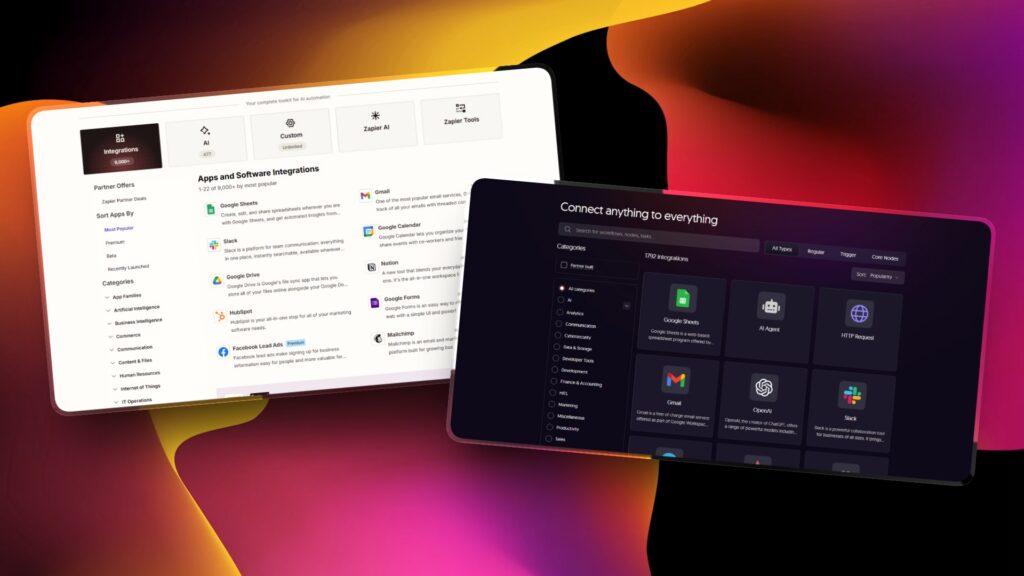
Zapier has 7,000 – 8,000+ native integrations. n8n has around 400+ native nodes. That gap sounds enormous. In practice, it’s less significant than it appears – but not zero.
Here’s the nuance. n8n’s HTTP Request node connects to any REST or GraphQL API. Combined with 500+ community-built nodes on npm, n8n can reach virtually any service that has a public API.
For developer teams, the integration count is effectively unlimited – it just requires building the connection yourself rather than clicking a pre-build option.
Where Zapier’s breadth genuinely wins
- Niche SaaS tools with no public API or non-standard auth (some older CRMs, specialized project management tools, industry-specific software)
- Apps that require OAuth flows you’d rather not implement yourself.
- Quick one-off connections where building an HTTP node workflow isn’t worth the time.
If you’re connecting Google Sheets, Slack, Notion, Airtable, Asana, GitHub or any major product – n8n has you covered natively. If you need to connect something obscure that only exists in Zapier’s catalog, that’s a real consideration.
Ease of Use vs. Power
I won’t sugarcoat this. n8n has a steeper learning curve.
Zapier uses a step by step guided interface. You pick a trigger app, pick an action app, map the fields. It’s genuinely usable in 10-15 minutes with no prior knowledge.
n8n uses a node canvas. Data flows as JSON between nodes. You need to understand at least roughly what your data looks like at each step to configure the next one.
Concept like how data flows between nodes and conditional branching require more upfront investment.
If someone tells you n8n “just as easy” as Zapier – they’ve forgotten what it’s like to learn it fresh. It isn’t. The learning curve is real and worth acknowledging.
That said, once you’re past the initial learning period, n8n’s power ceiling is dramatically higher.
Things Zapier can’t do at all – looping over thousands of items, writing custom JavaScript in the middle of a workflow, changing sub-workflow, calling your own database – are straightforward in n8n.
AI Capabilities in 2026
AI automation is where the gap between these tools has widened most noticeably this year.
n8n ships 70+ native AI and LangChain nodes. You can build an LLM chain, connect it to a vector store, add memory, and route outputs through conditional logic – all within the same workflow canvas.
The n8n AI agent workflow is treated as a first-class feature, not a plugin.
Zapier has AI capabilities, but they’re positioned differently. Zapier Agents and Chatbots are separate products layered on top of the core automation platform.
For straightforward AI actions (summarize this email, classify this support ticket), Zapier works fine.
For complex AI pipelines – multi-agent systems, retrieval-augmented generation, custom memory management – Zapier’s abstraction layer becomes a constraint.
If AI-native workflows are central to what you’re building, n8n’s architecture suits it better. Zapier’s approach makes AI accessible to non-technical users, but trades depth for that accessibility.
Data Privacy & Self-Hosting
Zapier is cloud-only. All your workflow data, credentials, execution history, and business logic live on Zapier’s servers in the United States.
For most small businesses and solo operators, that’s fine. For healthcare, legal, finance, or any team subject to GDPR or strict data residency requirements, it’s a hard blocker. You have no choice about where your data lives.
n8n self-hosted puts everything on your infrastructure. Your credentials never leave your server. Your execution logs stay private. Setting up n8n on your own machine or VPS means you control the entire stack.
This matters more than people initially think. It’s not just compliance. It’s also vendor lock-in. If Zapier changes pricing (which it has, multiple times), your only options are to pay more or migrate. With self-hosted n8n, the platform upgrade risk is yours to manage, but the pricing risk is essentially zero.
Who Should Pick Which: The Final Verdict
Use Zapier if:
- You’re non-technical and want automation running today, not after a learning curve
- You need a specific integration that only exists in Zapier’s 8,000+ catalog and has no public API
- You’re running fewer than 5 simple 2-step workflows at low volume (the free tier actually works)
- Your team has zero appetite for infrastructure or technical setup of any kind
Use n8n Cloud if:
- You’re comfortable with JSON and willing to spend a day or two learning the canvas
- You run multi-step workflows (5+ actions) at any real volume the per-execution billing pays off fast
- You want native AI/LangChain nodes without paying Zapier’s AI add-on pricing
- You want the option to migrate to self-hosted later without rebuilding your workflows
Use n8n self-hosted if:
- Your Zapier bill has become painful and you’re technical enough to run Docker
- You handle sensitive data and need full control over where it lives
- You want to run high-volume workflows (10,000+ runs/month) without per-execution costs
- You’re building something where workflow logic is part of your product, not just glue code
One profile that genuinely belongs on Zapier: the solo founder with 3 simple automations who will never touch a terminal. Telling that person to self-host n8n would waste more time than it saves.
If you’ve decided n8n is the right direction, the complete n8n beginner guide is the fastest path is getting your first workflow running.
Start with installing n8n locally to explore without any cloud setup. Once you’re ready to build something real, the first Hello World workflow gets you familiar with how nodes connect and data flows.
If you’re coming from Zapier, the canvas will feel different at first. Give it a couple of real workflows before forming an opinion. Most people who stick with it past the first week don’t go back.
If Zapier is clearly the right fit – use it. The goal is automating what matters, not winning an argument about tools.
Comparing more options? See n8n alternatives for how n8n stacks up against Make, Activepieces, and other platforms.
Leave a Reply